This section provides examples of documentation bases I worked on, subdivided by client.
Adaline
Adaline is the single platform for product and engineering teams to iterate, evaluate, deploy, and monitor prompts for AI products. For this collaboration, my job was to re-engineer and restructure the documentation, as well as create new content, particularly for all the pillars (iterate, evaluate, deploy, and monitor).
Read the documentation I worked on:
Xpander
Xpander is an agentic AI platform that allows you to build, train, and deploy agentic frameworks easily and safely. I have currently created and documented an agent called “Weekly Changelog Maintainer”:
Dectar
As the only Technical Writer in the firm, I had the honor and the responsibility to define the structure of the documentation, both in English and Italian. In particular, my job was to provide documentation for customers and internal documentation.
Products documentation
When I started this collaboration, there was some documentation but this was a task performed only by the Support Team. I rearranged, polished, and engineered the existing content to help users better understand the products, and started creating new documentation.
Dectar develops two digital products:
- ACSIA: a cyber security solution that helps you prevent cyber attacks.
- ACSIA CRA: a cyber security solution that evaluates your infrastructure’s exposure to the internet.
Note: My job with Dectar was to provide standardization and best practices, while revamping the pre-existing documentation and creating the new one. After about a year of collaboration, the team had all the instruments to create the documentation on their own as the most important milestones where accomplished through my work.
Internal documentation
I created comprehensive internal documentation to ensure all teams are up-to-date with Dectar solutions. Especially, I helped the Support Team keep track of the troubleshooting by writing internal procedures. Here’s how I worked:
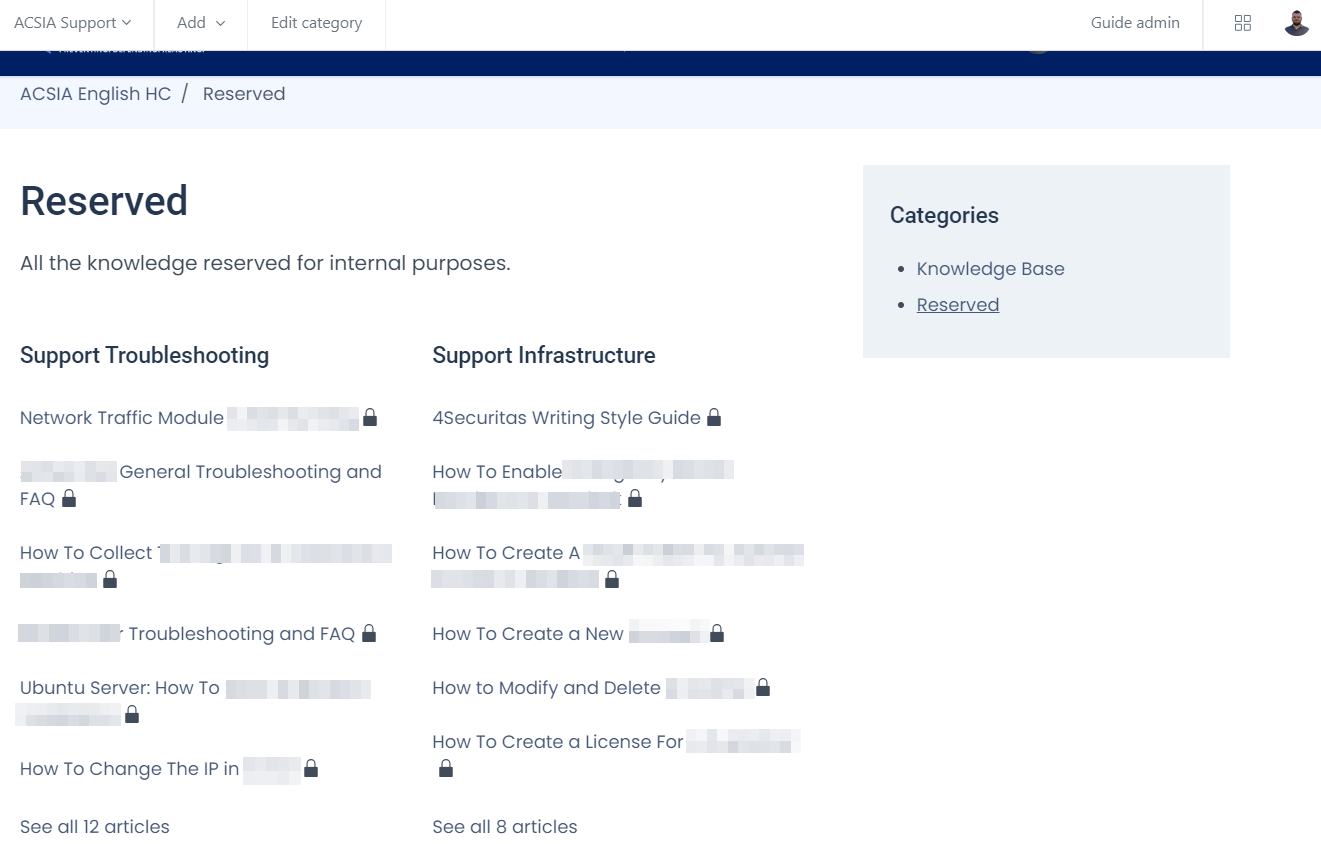
- I created the structure of the documentation, dividing the topics into two:
Support InfrastructureandSupport Troubleshooting. The Infrastructure section has articles regarding knowledge or procedures. The Troubleshooting section has only articles regarding procedures on how to solve troubles internally:
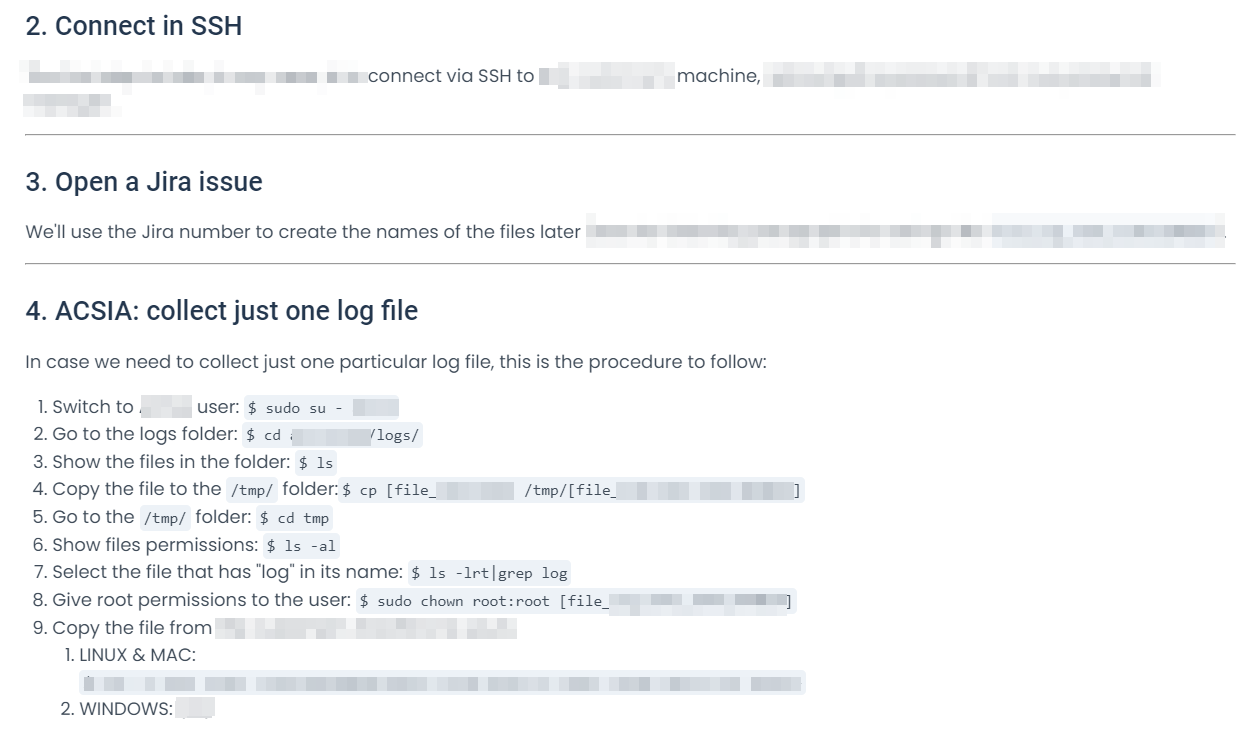
- I structured the articles as step-by-step procedures, providing code and scripts as needed:
SQLBI
SQLBI is a company that focuses on DAX. It created and developer several products related to DAX and some of them have their own “sub-company”. For this collaboration, I contributed to the documentation of Dax Optimizer and Calendar Pro.
Documentation for Dax Optimizer
I’ve contributed to creating the documentation for DAX Optimizer: a software that performs a static analysis of DAX measures in a Power BI or Analysis Services model to improve teir performance.
As I started the collaboration, the company already created some documentation in a docs-as-code environment.
I re-engineered the pre-existing documentation, by implementing best practices and standards, and created new documentation for missing parts.
Read the documentation of Dax Optimizer.
Documentation for OKVIZ
I contributed to the documentation of Calendar Pro: an integration for Power BI that enhanches the visualization for dates.
Read the documentation for Calendar Pro.
Temera
Temera is an Italian company, leader in IoT solutions for the Fashion/Luxury & Retail sector.
I created the documentation for their digital products and teams. In particular for:
For each product, I created:
- The user manual
- The APIs documentation
- Internal documentation (Architecture diagrams, processes and procedures, etc…)
The documentation is for users who buy the products or for internal use, so it is not publicly available.
De Agostini
DeAgostini is the world leader in collectibles.
As the only Technical Writer, I’m contributing to design and create their internal documentation to improve their employee experience in their daily tasks.
The next subsections provide the details of what I’m documenting for DeAgostini.
The CMS Documentation
DeAgostini developed internally a Content Management System (CMS) from scratch because there were no market solutions that could satisfy 100% their needs.
I documented:
- The architecture.
- The dashboard management.
- What are the pages and how to manage the content.
- How to manage the products inside the pages.
- How to publish the content.
This documentation has been developed having in my the end user that, in their case, is mainly the Marketing Team. In other words, they developed the CMS from scratch so that the Marketing Team has custom software to advertise their products.
Responsys Documentation
They use Responsys to create marketing automation campaigns. It has good documentation, but it’s mainly feature-oriented and lacks use cases, so I documented how end users, that is the Marketing Team, can use it to:
- Create email campaigns.
- Create programs to automate the email campaigns.
I gave it the following structure:
Getting started with Responsys
- How to log in to Responsys.
- The process behind automated email campaigns that is creating:
- The email, per country.
- The automation program.
Managing campaigns
- How to create a new email campaign.
- How to fill in the fields, in a standardized way.
- The auto-checks to control (users have to verify that some boxes are automatically checked).
Managing automations
- How to create a new automation program and what documentation to read from the Responsys website.
- A standardized way to show how the tens of active programs work.
Jira’s Customer Portal Documentation
DeAgostini uses Jira to manage internal tickets for internal requests.
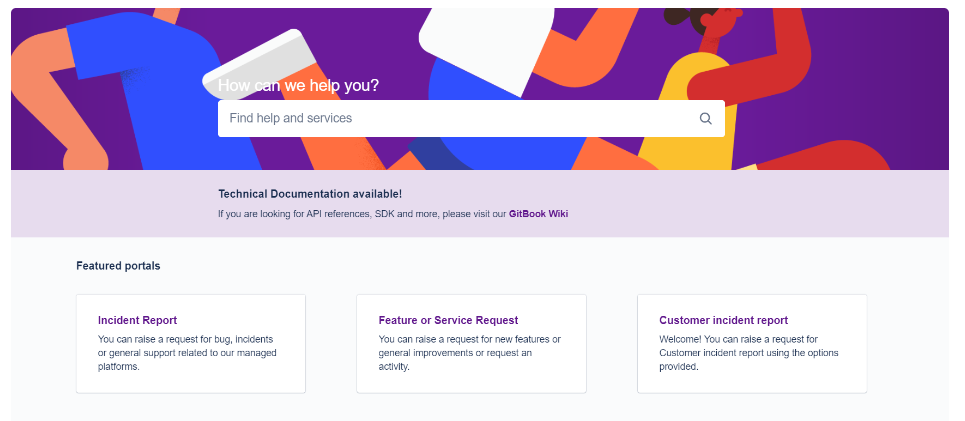
I documented:
- How to log in to the platform.
- How to choose between an Incident Report, a Feature or Service Request, or a Customer Incident Report.
- How to fill in all the requested fields in a standardized way to improve the communication between internal departments. For example, we decided how and when users have to define if a task is urgent or not, for every kind of request.
You.com
you.com is an enterprise AI platform powered by your data. I’ve been working on the documentation of their API with the goal of restructuring and improving it, helpig developers solve their daily jobs using it.
Read the documentation I worked on:
Beam API: Training a Machine Learning model on a serverless GPU
Beam is a service that provides Data Scientists and Developers the possibility to run code on a serverless GPU, utilizing their REST API.
I had the possibility to collaborate with them to their documentation, creating a use case that describes:
- What are serverless GPUs and why they’re revolutionizing the world of data in terms of development.
- How to log in and install the beam CLI on a Linux machine (or, via WSL in Windows).
- A use case on how to train a Machine Learning model on the Beam serverless GPU, using its API.
Read the complete use case here.
Presentations for Conferences
This section reports presentations for conferences I created for my customers.
Project Elevate
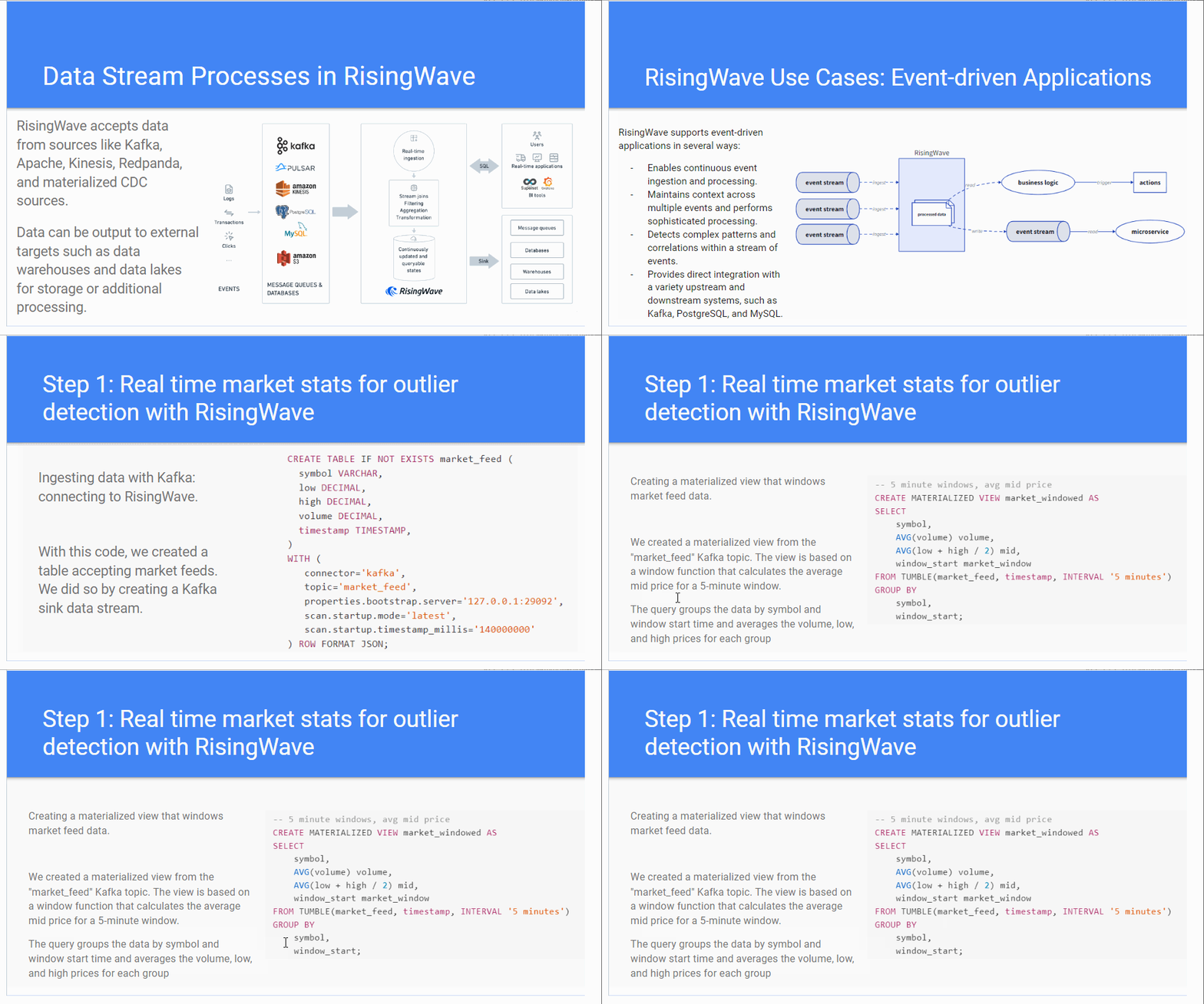
I had the pleasure of working with Project Elevate on a project regarding documentation to be presented to “Big Data London” at a seminar for Risingwave.
The seminar was titled “REAL TIME AND HISTORICAL NLP-ENRICHED MARKET DASHBOARD WITH RISINGWAVE AND CHAT-GPT”:
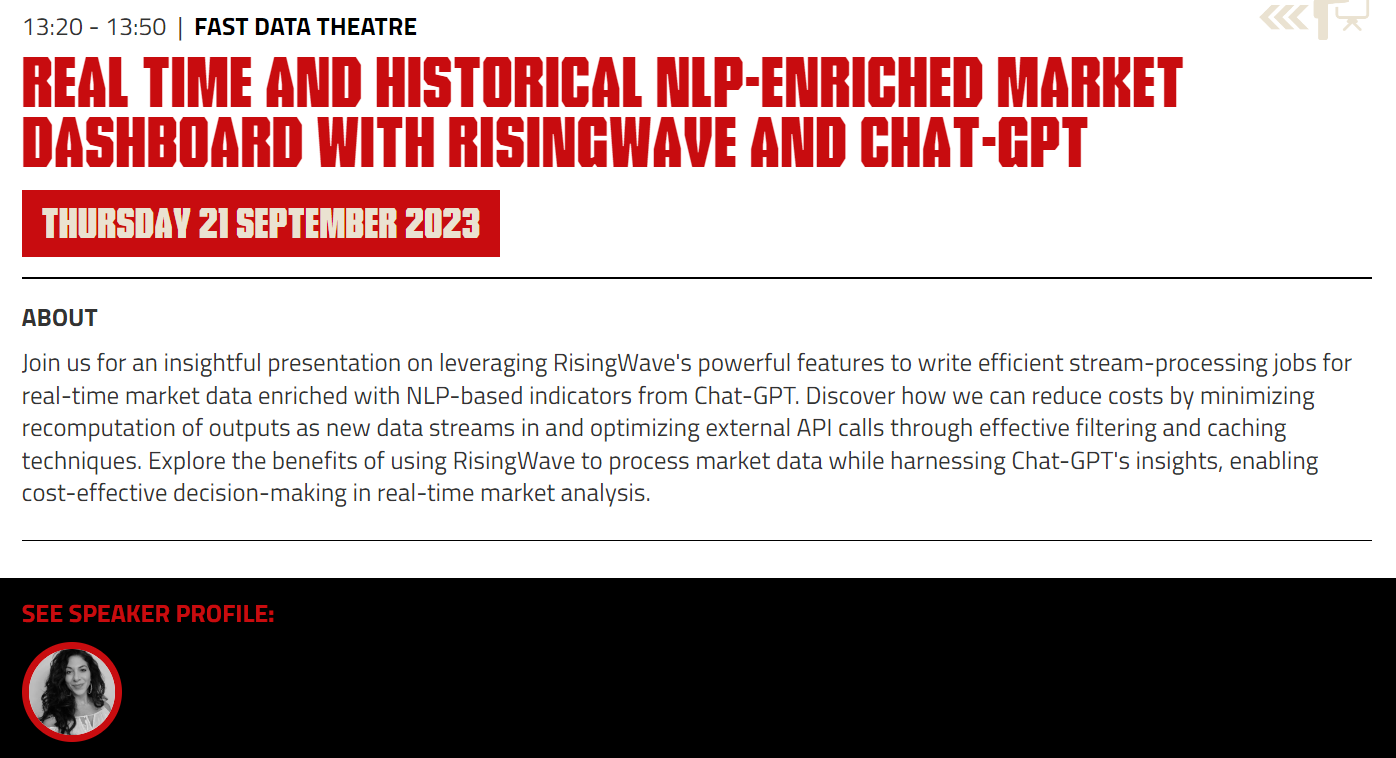
The seminar attendee - Karin Wolok, CEO of Project Elevate - presented the documentation I created. This is about how to use Rising Wave for efficient stream processes in real-time data together with ChatGPT, to enrich the real-time data stream, with the objective to predict the stock market.
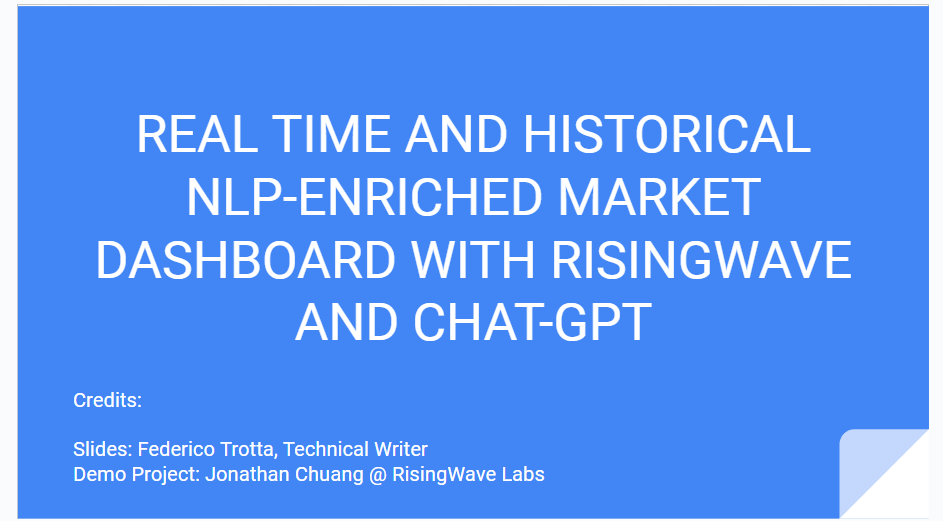
Below is the front page of the documentation I created for the seminar:
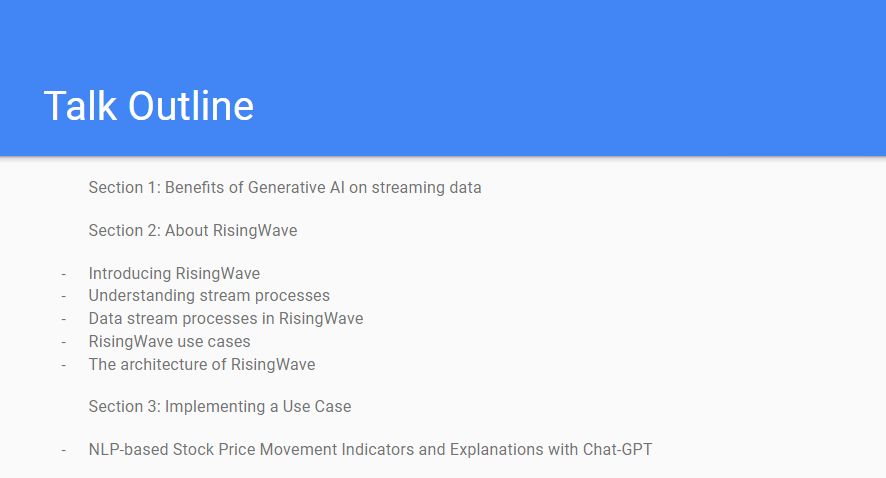
The talk outline:
Below is a GIF showing some parts of the documentation I created: